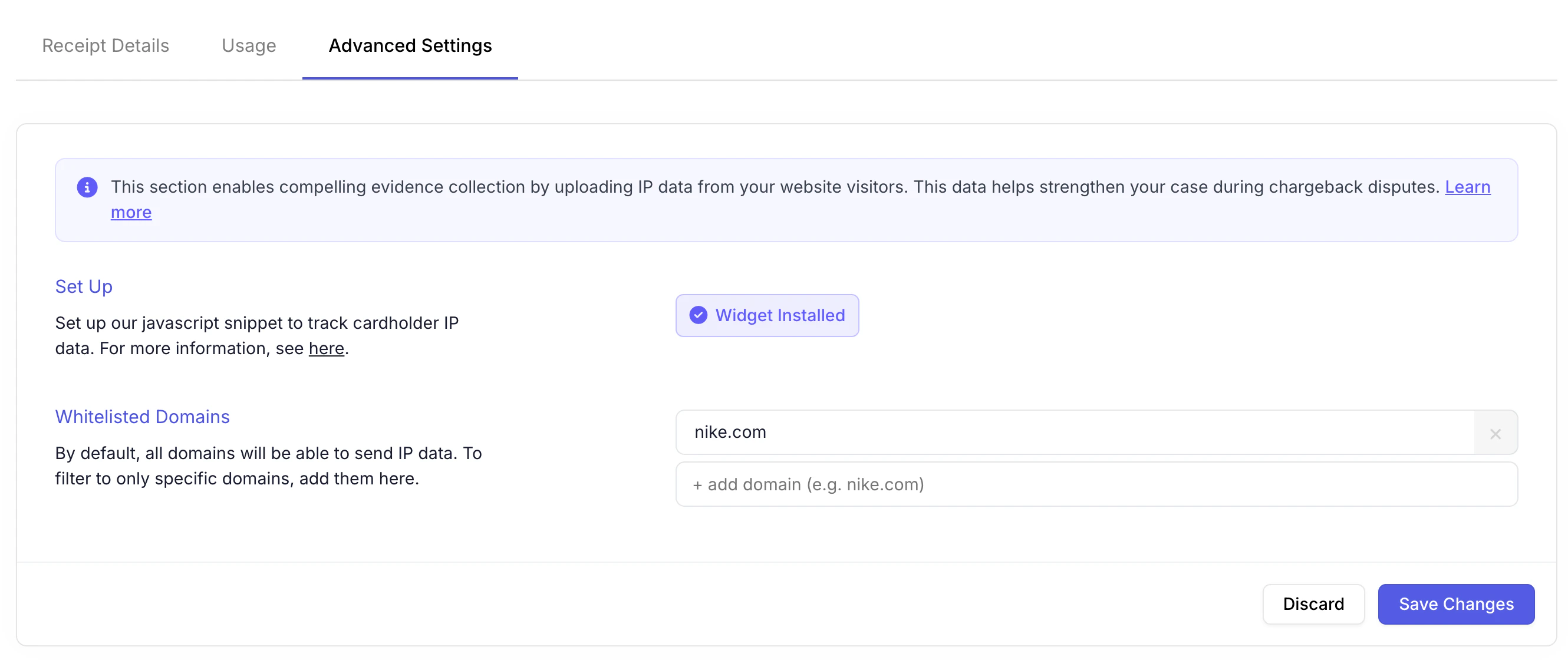
There are three paths to enriching charge data and making your transactions compelling evidence eligible:
- Implement the Upload Orders endpoint with IP data included
- Use the Track endpoint to upload IP data separately
- Integrate this JavaScript snippet for automatic IP capture on web
Quick Start
Add this snippet to your website’s<head> section. Your account_id starts with “acct_” and can be found under the settings tab here.
Confirming It Worked
Once your code is live, you will see the widget is installed successfully. You can verify the installation under the digital receipts tab